
01STEP
Set one Goal
Write down one thing you want to achieve now. You can organize your Goal Tree as you go.
Example: Sign 10 new customers this month.

Learn the basics and put Addness to work
Move your Goals forward. Talk to Addness.
Start with 4 steps, then explore 12 use cases. Choose an approach that fits what you want to achieve, without learning complicated controls.
Learn more in the AI for Organizations courseSet up your workspace for AI with the setup guide — install an AI app and connect it to Addness, in your language
Set one Goal
Ask what to do today
Ask AI to start the work
Save the results to the Goal
THE FIRST LOOP
Set a Goal. Plan today. Work with AI. Record the results.
Repeat the steps to make your next action easier.
Write down one thing you want to achieve now. You can organize your Goal Tree as you go.
Example: Sign 10 new customers this month.
Addness uses the Goals and current state it can access to suggest actions for today. Review your circumstances and priorities, then choose what to do.
What should I work on today?

Review the suggestions and ask Addness to take on the work you want to delegate. Addness asks for any necessary confirmation and works within the permissions you give it.
Help me make progress on my Goal. Work within the permissions I have given you, and ask when a decision needs my input.

Record the work completed, deliverables, and next actions on the Goal. Continue from the same context when you return.
Save the completed work and next actions to the Goal.

Use the 4 steps as your starting point. Open an example when you need more detail.
Explore 12 use casesPRACTICAL USE CASES
Explore 12 examples: workflows based on daily use, with identifying details removed, and ideas made possible by Addness features and integrations. Open a relevant example and adapt the prompts to your Goal.
AI can read and act only on connected information it has permission to access or edit. Review the details before updating Goals, changing assignments, sending external messages, publishing, merging, or marking work complete.
AI helps you work
AI uses the context it can access to organize Goals, compare options, research, create deliverables, verify results, and plan next actions within its permissions.
You make the decisions
Review and decide on Goal definitions, metric scope, responsibilities, permissions, confidential information, external messages, publishing, and completion.
USE 01
Turn your ideas into Goals, actions for today, and decisions. Start with 4 ways to use Addness for yourself.
Use when you have more Goals and commitments than you can act on. Choose today’s work by the progress it makes toward your Goals.
GOAL EXAMPLE
Get this month’s priority initiatives ready for users.
Prompts to use
Request 1
Choose the 3 most valuable outcomes I can complete today. Review parent and child Goals, deadlines, dependencies, and pending confirmations. Put the outcomes in the order I should work on them.
Request 2
Identify work I can delegate to AI in parallel and work I should leave for another day. Show me proposed changes to Addness before applying them.

How Addness helps
Choose the outcome you most want today and set the final order, accounting for meetings and practical constraints.
Keep today’s Goals, decisions about what to leave for later, the next person to act, and any ToDos needed for today.
Use when you want to improve something or start a project, but have not worked out where to begin.
GOAL EXAMPLE
Build a routine that lets me exercise twice a week within 3 months.
Prompts to use
Request 1
Review our conversation and separate my current state from the state I want to reach. Suggest a Goal title and criteria for calling it complete.
Request 2
Suggest one first action to reduce the gap. Wait for my confirmation before saving the agreed details to the Goal.

How Addness helps
Confirm that the desired state matters to you, the scope is manageable, and the completion criteria reflect what you want.
Keep the Goal’s purpose, current state, completion criteria, first action, and next decision together.
Use when planning a new project or improvement with open questions. Organize the options and people involved, then resolve each decision in order.
GOAL EXAMPLE
Define the experience for a new service so we can decide what to build.
Prompts to use
Request 1
Read the relevant Goals, documents, and previous decisions. List the unresolved questions in dependency order.
Request 2
Present only the next decision I need to make. Explain the options and your recommendation, then wait for my answer before moving on.
How Addness helps
Make each choice that depends on your priorities and confirm when to move to the next question.
Record decisions, reasons, rejected options, and the next question as part of the Goal’s current state.
Use when an assessment has helped you understand your values or approach to Goals, but you have yet to apply the results in daily life.
GOAL EXAMPLE
Try one way of working that fits my values this month, then review the results.
Prompts to use
Request 1
Use my assessment results to suggest 3 things that may matter most to me now. Treat them as possibilities and ask where they differ from my experience.
Request 2
Suggest small Goals I could try this week based on what we discussed. Include the reason for each Goal and a first action.

How Addness helps
Decide whether the results fit your experience and whether you want to try the actions. An assessment does not determine the right answer for you.
Keep your confirmed descriptions, the Goal to try, the reason for choosing it, and a review date.
USE 02
Review progress toward outcomes, missing evidence, and who acts next. Explore 4 ways to work as a team.
Use when you need to quickly see whose Goals are progressing and where your help would make a difference.
GOAL EXAMPLE
Review each member’s monthly Goal and previous day’s progress every morning.
Prompts to use
Request 1
Summarize yesterday’s team progress toward monthly Goals. Review recorded outcomes, deliverables, unanswered questions, and comments.
Request 2
Classify the evidence as direct progress, indirect progress, no evidence, or insufficient information to assess. Recommend where I should help first today and explain why.
How Addness helps
Check responsibilities and circumstances before drawing conclusions, then choose whom to contact first.
Keep a team summary, evidence for each Goal, pending decisions, suggested interventions, and next actions.
Use when parent and child Goals are misaligned on outcomes, metrics, deadlines, responsibilities, or completion criteria.
GOAL EXAMPLE
Clarify this month’s business Goals so the team can decide what to do with confidence.
Prompts to use
Request 1
Review my Goal Tree. Check whether parent and child Goals align on outcomes, metrics, deadlines, responsibilities, current state, and completion criteria.
Request 2
Classify each issue as ready to continue, needs a correction, needs the Goal reconsidered, or needs more evidence. Show proposed changes one decision at a time.
How Addness helps
The Owner decides the scope of metrics, responsibility for final outcomes, and whether to revise or replace a Goal.
Keep agreed completion criteria, responsibility boundaries, open questions, reasons for changes, and the next decision.
Use when a Goal’s description is outdated, progress is based on impressions, or the team is unsure which numbers to trust.
GOAL EXAMPLE
Assess this month’s key KPIs each week using consistent criteria.
Prompts to use
Request 1
Update the current state of my Goal. Review the Goal, comments, deliverables, and related data you have permission to access.
Request 2
Record the current value, observation time, source, calculation criteria, and unresolved questions separately. Do not treat numbers that cannot be reproduced as confirmed.
How Addness helps
Confirm metric definitions, authoritative data sources, and who is responsible for the numbers.
Keep a timestamped current state, authoritative references, calculation criteria, and unresolved questions.
Use when a meeting moves the discussion forward but leaves decisions, responsibilities, deadlines, and pending confirmations scattered.
GOAL EXAMPLE
Agree on a new campaign and start the first actions for each person responsible.
Prompts to use
Request 1
Organize the meeting notes into decisions, open questions, people responsible, deadlines, and pending confirmations. Check how each item relates to existing Goals.
Request 2
Show proposed additions or changes to existing Goals and draft questions for the people responsible. Wait for approval before sending messages or changing assignments.

How Addness helps
Have participants confirm assignment changes, deadlines, external communications, and the decisions actually made before applying updates.
Keep decisions, open questions, assignments, deadlines, questions to ask, and the next person to act in Goals and comments.
USE 03
Save research, creative work, and verification results to your Goals. Explore 4 ways to delegate work to AI.
Use when information is spread across documents, public sources, and the product, and you need a coherent deliverable for your team or an expert to review.
GOAL EXAMPLE
Organize research questions for a new service in a document ready for review.
Prompts to use
Request 1
Research what we need to achieve my Goal. Cross-check shared documents, current product screens you can access, and reliable public information.
Request 2
Create one document with confirmed facts, hypotheses, missing information, options, a recommendation, and questions for the reviewer. Attach the document to the Goal.
How Addness helps
Review the recommendation, distinguish facts from hypotheses, and confirm the recipient and message before sharing.
Keep the research document, supporting sources, open questions, questions for the reviewer, and the next reviewer.
Use when you want to take a page, document, process, or software project linked to a Goal from requirements through verification.
GOAL EXAMPLE
Improve a page for users and prepare it for a safe release.
Prompts to use
Request 1
Help me implement my Goal. First inspect the current specification and actual screens, then propose requirements and completion criteria.
Request 2
After I approve implementation, write tests before making changes. Complete implementation, review, and desktop and mobile display checks. Stop for approval before publishing or merging.
How Addness helps
Approve requirements, the start of implementation, the actual experience, and actions that are difficult to reverse, such as publishing or merging, at each stage.
Keep the agreed specification, deliverable links, verification results, review status, remaining production checks, and the next person to act.
Use when you can see a symptom, such as an incorrect display or a confusing flow, but have yet to identify the cause or scope of the fix.
GOAL EXAMPLE
Find the mismatch between input and result, and fix it in a way that prevents recurrence.
Prompts to use
Request 1
Diagnose the problem first. Inspect the actual screens, saved information, current specification, and existing tests.
Request 2
Separate symptoms, reproduction conditions, possible causes, and related issues. Propose the smallest fix and checks to verify it. Do not make changes yet.
How Addness helps
Confirm the situation causing difficulty, the scope of the fix, and the desired behavior before implementation begins.
Keep confirmed facts, reproduction conditions, possible causes, a proposed fix, verification criteria, and the pending implementation approval.
Use when you have to explain the purpose, history, and current state again each time you work with an AI tool that supports Addness MCP, such as Codex or Claude Code.
GOAL EXAMPLE
Let multiple AI tools continue work using the same Goal context and approval rules.
Prompts to use
Request 1
Read the Goal in Addness. Review its parent Goal, current state, completion criteria, deliverables, and open questions before starting work.
Request 2
Save completed work, deliverables, verification results, and the next decisions needed to the same Goal. Ask before sending external messages or marking the Goal complete.
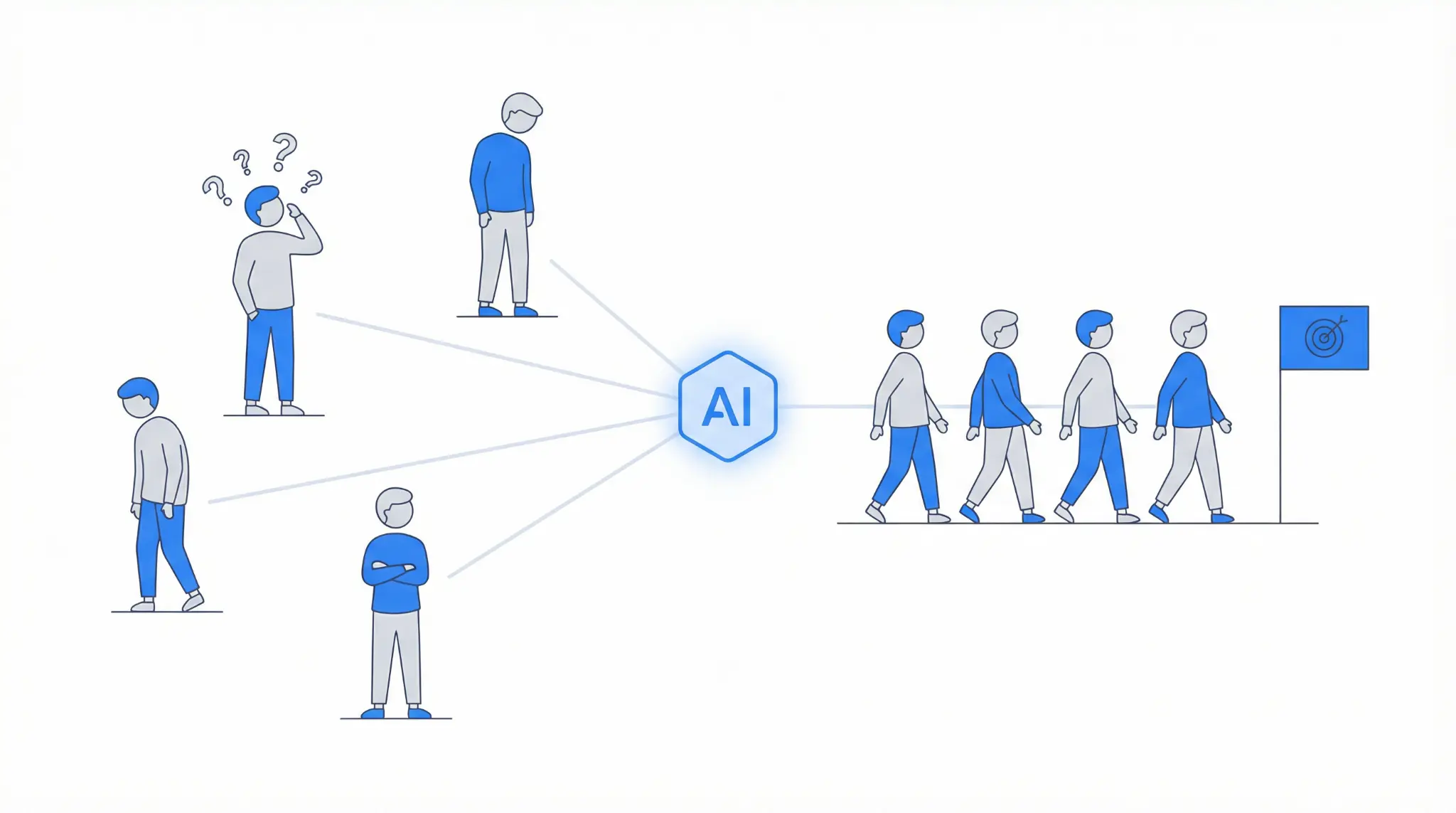
How Addness helps
Set the AI’s permissions, rules for confidential information, and approval requirements for external messages, Goal completion, and structural changes.
AI tools connected through Addness MCP with the required permissions can save work results, deliverables, pending decisions, and the next person to act to the same Goal.
JUST SAY IT
Use everyday language to describe what you want to know or get done. You do not need a carefully crafted prompt.
What should I work on today?
Help me make progress on my Goal. What should I start with?
Complete the agreed work. Ask me only when you need confirmation.
Save the completed work to the Goal.
NOT YET
Addness gives you several ways to work. Start with the features you need and learn the rest as you go.
Start with one Goal. Add more as you need them.
Connect external AI tools later. Start by making progress on your first Goal.
Refine your process as you work. You do not need every rule in place before you begin.
MASTER COURSE
Read the free training program, with comics and text, to learn how to structure work, delegate to AI, and work together as a team.
Start small. Use your first Goal to decide what to do today.
Start free trialOpens in a new tab